

If iPhone X is the future, then iOS is the vehicle to get us there. Apple’s latest iPhone introduces all sorts of little changes to iOS that compensate for the lack of Home button and the camera notch, but for the most part, iOS on iPhone X isn’t all that different than it is on the iPhone 8.
In fact, if iPhone X shows us anything, it’s that iOS is a little behind the times. Apple has done well to freshen it up with new gestures and animations, but compared to the sleek curves and OLED screen on iPhone X, iOS feels less modern than ever. And if iPhone X is truly going to lead Apple over the next 10 years, then iOS is going to need to be three steps ahead of it. Here are 10 ways iOS 12 can get the ball rolling:
1. Give us a dark mode
 |
2. Expand Face ID’s reach
Face ID is very impressive on iPhone X, but it’s not quite perfect. Much like Touch ID’s debut on the iPhone 5s, Face ID is very much a work in progress, and Apple is surely going to improve the speed and reliability of it on future iPhones. Two things we’d like to see, though: greater angles of recognition so we don’t have to focus so intently on the screen while unlocking, and the ability to add a second face. With Touch ID, our spouses and kids had fingerprints registered so they could use our phones without asking for our passcode (or our fingers), and we’d like to do the same with Face ID.
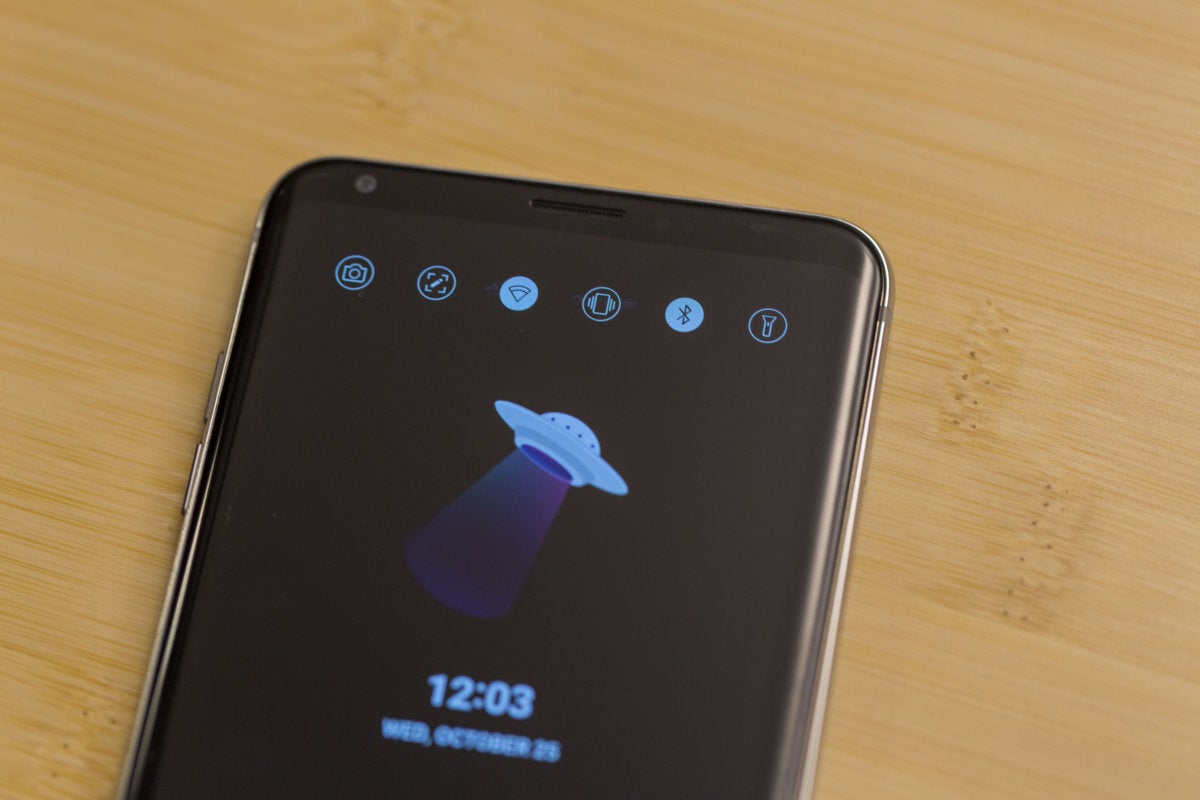 Now that Apple is finally using OLED in an iPhone and can take advantage of its power-saving benefits, the time is ripe for an always-on display. A staple of Android flagships for years, it’s an incredible useful feature, showing things like time, battery percentage, and notifications without needing to do more than glance at your phone. We’d love to see what an always-on display would look like on iPhone X, but mostly it would be nice if our phones didn’t light up every time they need to alert us that a notification has arrived.

3. Go all in on the notch
OK, we’ll admit it: The camera notch isn’t nearly as bad as we thought it would be. While it still looks a little silly in pictures, in practice it’s not all that distracting, and in the right instances, it’s actually kind of cool. But one thing is for sure: It’s not going away anytime soon. So, if that’s the case, we’d like Apple to add even more functionality to the spaces around the notch, turning the status bar into a fully interactive space that eliminated the need to open the Control Center so often. For example, tapping the battery icon could show how much percentage is remaining or tapping the time could toggle between it and the date. And here’s a really cool one: Reddit app Apollo (seen above) uses the top right space to show sound adjustments so your view isn’t obstructed just because you want to raise the volume.
4. Let us swipe anywhere to unlock
There’s no doubt that at some point in the future our iPhones will automatically jump to the home screen as soon as we look at them, but until that day arrives, we still need to swipe up. The problem is, you need to swipe from the very bottom of the screen where the home indicator is. And we often forget, meaning we have to swipe twice to unlock. Much like Apple removed the bar in iOS 7 and let us slide anywhere to get to the passcode screen, the ability to swipe up in the center of the screen would save literally hundreds of seconds each day.
5. Build an always-on display
Now that Apple is finally using OLED in an iPhone and can take advantage of its power-saving benefits, the time is ripe for an always-on display. A staple of Android flagships for years, it’s an incredible useful feature, showing things like time, battery percentage, and notifications without needing to do more than glance at your phone. We’d love to see what an always-on display would look like on iPhone X, but mostly it would be nice if our phones didn’t light up every time they need to alert us that a notification has arrived.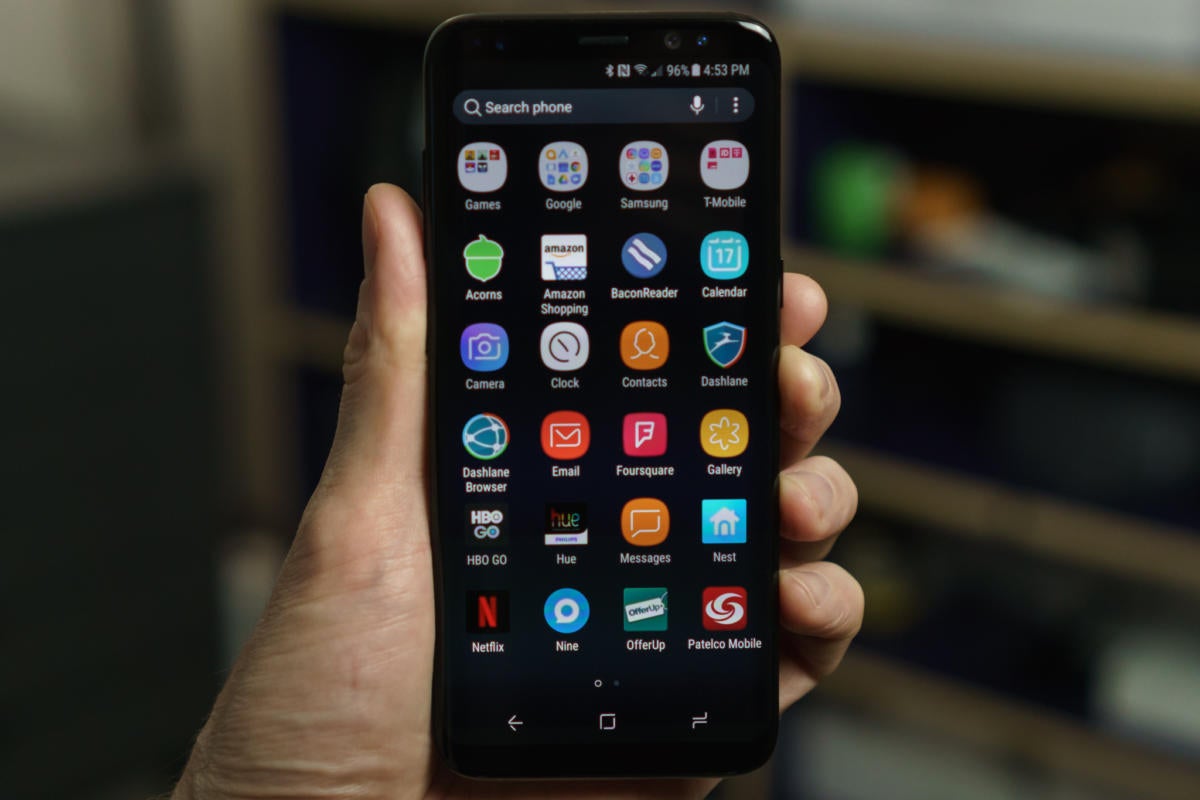

No comments:
Post a Comment